
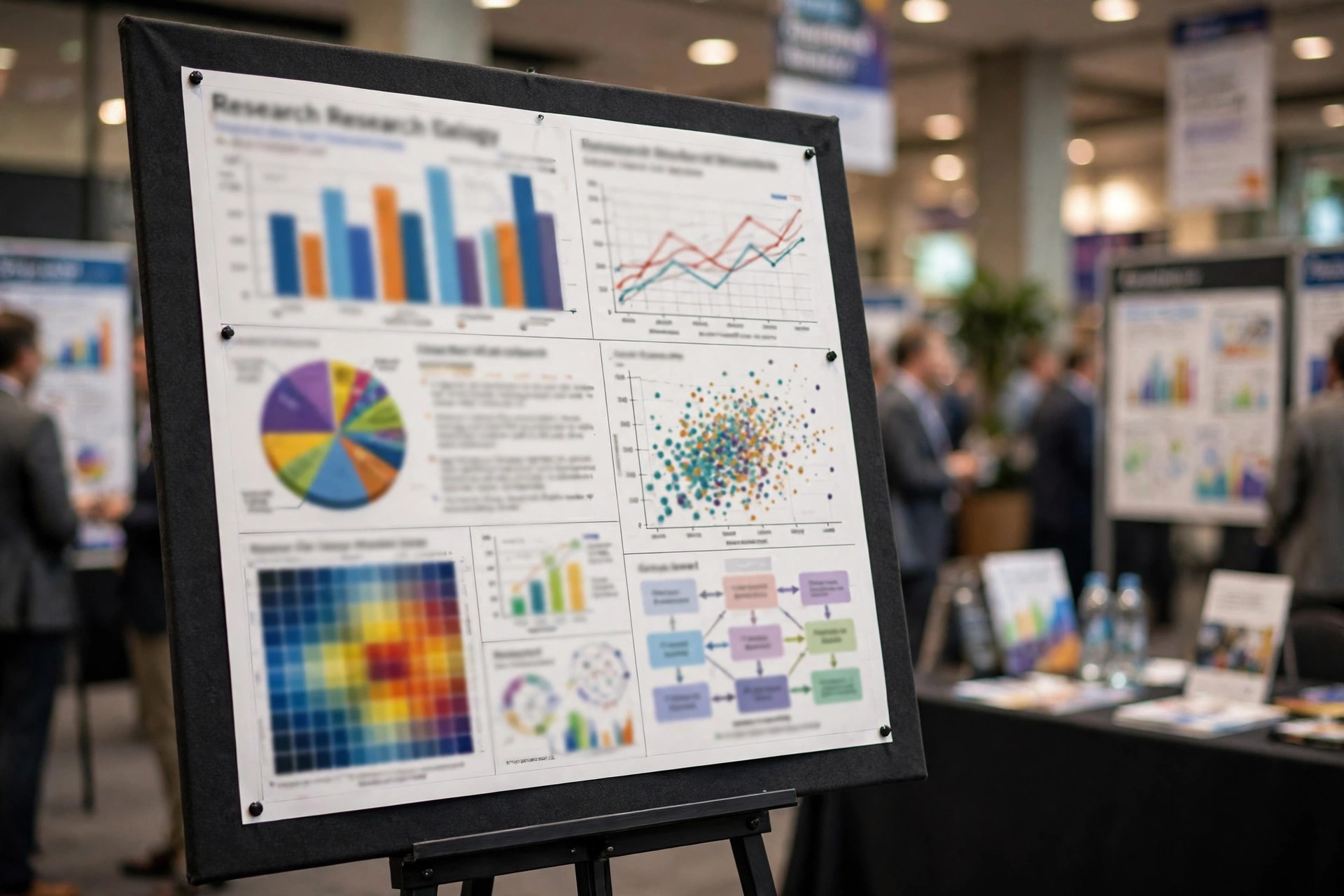
A great research poster does one job: it makes a stranger stop, understand your main finding in 30 seconds, and want to ask you a question. Everything else — fonts, colors, charts, printing — serves that job. Most posters fail it by trying to be a paper on a wall: too much text, tiny fonts, and no clear takeaway. This guide fixes that, with the sizes, layouts, and checklists that actually work at large conferences, plus the presentation habits that turn a good poster into a great conversation.
| Element | Rule of thumb |
|---|---|
| Main job | One takeaway, readable from 2 metres, understood in 30 seconds |
| Best size | A0 portrait (841 × 1189 mm) unless the conference says otherwise |
| Title | 85–100 pt, bold, readable from across the room |
| Section headings | 40–60 pt |
| Body text | 24–36 pt minimum (never below 24 pt on A0) |
| Captions | 18–22 pt |
| Text budget | Roughly 300–500 words total — not 1,500 |
| Images | 300 dpi at final size; vector graphics for diagrams and logos |
| Colors | 2–3 main colors, dark text on light background, colorblind-safe palette |
| File | PDF, correct page size set from the start, fonts embedded |
Table of Contents
- The 30-Second Rule: Design for a Passing Stranger
- Start With the Message, Not the Template
- Choose Your Size and Layout
- The “Better Poster” Approach
- A Title That Stops People
- Fonts That Work (and Sizes That Don’t Lie)
- Color Without Chaos
- Charts That Explain Instead of Decorate
- Cut Your Text by Two-Thirds
- Accessibility Is Not Optional
- The Printing Checklist
- Transport and Setup at the Venue
- The Poster Pitch: Your 30-Second and 3-Minute Versions
- Common Mistakes (and the Fix for Each)
- Frequently Asked Questions
- Conclusion
The 30-Second Rule: Design for a Passing Stranger
At a large conference, hundreds of posters compete for attention, and visitors decide in seconds whether to stop. Research on poster viewing consistently shows the same pattern: people read the title, then the conclusion or key figure, then — only if those hook them — the rest. Design for that path, not for a reader who will study every word.
Practical test: print your poster at A4 or view it at 25% zoom on screen. If you cannot identify the main finding from that view, your hierarchy is wrong. The title, the takeaway sentence, and the key figure should survive that test. Everything else is supporting detail for the people who stop and ask.
Start With the Message, Not the Template
Before opening any design software, write three sentences on paper:
- The question: What problem did you study, in one line?
- The finding: What did you discover, in one line, with the key number?
- The “so what”: Why should anyone outside your subfield care?
Those three sentences become your title area, your conclusion panel, and your spoken pitch. Every section of the poster should earn its place by supporting one of them. If a paragraph does not support the question, the finding, or the significance, cut it — the full paper already exists for readers who want detail.
Choose Your Size and Layout
A0 portrait (841 × 1189 mm) is the standard at many large conferences and the most forgiving size: it gives you room for several charts, clear columns, and readable text without crowding. But never assume — some events specify A1, a fixed board width, landscape orientation, or even digital-only e-posters. Check the conference guidelines first for dimensions, orientation, mounting method (pins, Velcro, clips), and material rules. Confirming these details before you design prevents a last-minute reformat.
For layout, use 3–4 vertical columns read top to bottom, left to right — the standard reading flow for posters. Put the two most important panels where eyes land first: the introduction near the top-left and the conclusion near the bottom-right or in a highlighted box. Keep related material together, leave generous white space between sections, and resist filling every centimetre. White space is not wasted space; it is what makes the content readable.
A logical section order that works for most empirical work:
| Section | What belongs there |
|---|---|
| Title + authors + affiliations | Title, names, institutions, logos, contact/QR code |
| Introduction | The problem, why it matters, your research question |
| Methods | Design, sample, measures — brief, ideally with a flow diagram |
| Results | Key figures and tables only — your strongest 2–4 results |
| Discussion / Conclusion | The takeaway, limitations in one line, next steps |
| References + acknowledgements | Small text, only the citations actually shown |
The “Better Poster” Approach
A popular redesign idea, promoted by Michigan State University’s Mike Morrison as the “#betterposter” format, flips the traditional layout: a single large takeaway sentence dominates the centre of the poster, with the usual sections pushed to the sides in smaller text and a QR code linking to the full paper. The logic is sound — it designs for the 30-second reader instead of the careful reader.
You do not need to adopt the format wholesale to benefit from it. Borrow its core insight even in a traditional layout: make your main finding the biggest, boldest sentence on the poster after the title, and place it where it cannot be missed. If your conference has conservative expectations, a traditional layout with a prominent takeaway box gives you the same advantage without looking unconventional.
Presenting well matters beyond the poster itself: our guide to impressing review committees covers how evaluators actually read your work, from essays to interviews.
A Title That Stops People
Your title is usually the first thing people notice, and it decides whether they stop at all. Rules that work:
- State the finding, not just the topic. “Sleep loss impairs surgical performance by 23%” beats “Effects of sleep on performance” — it gives a reason to stop.
- Keep it to about 10–15 words. Longer titles wrap into unreadable blocks at a distance.
- Use sentence case, not ALL CAPS. Capital letters take longer to read — guidance from conference organizers notes roughly 10% slower reading — and they look like shouting.
- Give authors and affiliations room without letting logos compete with the title. One line for names, one for institutions, logos small and aligned.
- Match the submitted abstract’s title where the conference requires it — some events check this.
Fonts That Work (and Sizes That Don’t Lie)
Typography is where most posters quietly fail: text that looks fine on a laptop becomes unreadable on a wall. Use one clean sans-serif family throughout (Arial, Helvetica, Calibri, and Aptos are safe choices), and keep a clear hierarchy between title, headings, body, and captions. Avoid decorative fonts, and skip Comic Sans unless your poster is literally about comics — a running joke among science designers, but a real readability point.
Recommended minimum sizes for an A0 poster, drawn from multiple conference and design guides:
| Element | Minimum size (A0) | Notes |
|---|---|---|
| Title | 85–100 pt | Bold; readable from several metres |
| Authors / affiliations | 40–50 pt | Smaller than headings, still visible |
| Section headings | 40–60 pt | Bold and/or colored for scanning |
| Body text | 24–36 pt | Must read from 1–2 metres; 24 pt is the floor |
| Captions / footnotes | 18–22 pt | Captions 18 pt minimum; footnotes can go to ~10 pt only for non-essential text |
Two traps to avoid. First, shrinking the poster does not mean halving the fonts: body text still needs to read from a metre away, so on a smaller poster you must cut content, not just font size. Second, test at 100% zoom: view the file at full size on screen, step back a metre, and check whether the body text is genuinely readable. If you cannot read it, neither can a visitor.
Color Without Chaos
Choose two or three main colors and use them consistently: one for headings, one for accents and key findings, and a neutral background. Dark text on a light background is the most readable combination and uses less ink; light text on dark backgrounds causes eye strain over a long poster session. Avoid saturated color pairs that vibrate (red on blue is the classic offender) and patterned backgrounds that fight with your figures.
Use color functionally, not decoratively: the same color for all headings, a highlight color only for the takeaway and key numbers, and consistent colors across figures so the same group is the same color everywhere. A poster with one accent color used deliberately looks more professional than a poster with eight colors used randomly.
Charts That Explain Instead of Decorate
Figures carry your results, so they deserve more design time than text. Rules:
- One message per figure. If a chart needs a paragraph to explain, redesign the chart.
- Direct labels beat legends. Label lines and bars directly where possible; legends force the eye to jump back and forth.
- Show the data, not the decoration. Remove gridlines, 3D effects, and chartjunk. Bar charts suit group comparisons; line charts suit trends over time.
- Minimum figure size matters. Conference guides commonly recommend graphs and photographs no smaller than about 12 × 18 cm on the printed poster.
- Every figure gets a short, informative caption — what it shows, the units, and the sample size. Axes need labels with units, and every symbol needs explaining.
- Prefer vector graphics (EPS, PDF, SVG) for diagrams and logos: they stay sharp at any size, unlike JPEGs, which pixelate when enlarged.
Tables are fine for small datasets but poor for large ones — if a table has more than about 6 rows, a chart almost always communicates better.
Cut Your Text by Two-Thirds
A conference poster is not a paper. Aim for roughly 300–500 words of body text in total. Replace paragraphs with bullet points, short statements, and annotated figures. Focus each section on the research question, the key method in one or two lines, the strongest results, and the practical importance.
Editing trick: write the poster, then delete every sentence that a visitor could learn by asking you a question instead. What remains is what belongs on the wall; the rest belongs in your spoken pitch and your paper. Proofread ruthlessly before printing — spelling errors, wrong chart labels, incorrect author names, and outdated affiliations are the mistakes visitors remember.
Accessibility Is Not Optional
About 1 in 12 men and 1 in 200 women have some form of color-vision deficiency, so never encode information by color alone. Use colorblind-safe palettes (for example, blue/orange or blue/red combinations rather than red/green), add direct labels and patterns to distinguish groups, and check your figures in grayscale — if the message survives, your encoding is robust. Keep contrast high (dark text on light backgrounds), left-align body text rather than justifying it (justified text creates uneven word spacing that slows reading), and use plain language for the takeaway so non-specialists can follow it too.
The Printing Checklist
Run through this list before you send the file, and request a proof if your printer offers one:
- Final dimensions and orientation match the conference guidelines exactly.
- Page size set correctly from the start (for A0: 84.09 × 118.9 cm / 33.11 × 46.81 in).
- All images at least 300 dpi at final printed size; diagrams and logos in vector format.
- Fonts embedded in the PDF (or converted to outlines where the printer requires it).
- Color mode set to the printer’s requirement (usually CMYK for print).
- Margins, alignment, and spacing checked; nothing important near the trim edge (allow bleed if the printer asks for it).
- File exported as PDF in the printer’s preferred format.
- Full-size proof reviewed — on screen at 100% or, ideally, a printed test section.
Paper choice matters too: standard poster paper is fine for a single session, but if the poster will be handled, transported, or displayed for several days, consider a heavier stock or lamination. Some conferences offer on-site printing (one example charges around CHF 30 for an A0 print) — useful if you cannot carry a tube, but order early, as these services have deadlines.
Transport and Setup at the Venue
Roll the poster (never fold it) in a poster tube, and carry it as hand luggage if flying — checked luggage and poster tubes do not mix well. Pack pins, Velcro dots, or clips even if the conference promises supplies, and arrive early to your board: finding your number, checking the lighting, and stepping back to view your poster from two metres takes longer than you expect. Bring a few A4 handouts or a QR code linking to the paper and your contact details — interested visitors often want to follow up after the session, and a QR code works when you are busy talking to someone else.
The Poster Pitch: Your 30-Second and 3-Minute Versions
The poster gets people to stop; your pitch keeps them there. Prepare two versions:
- 30 seconds: “We asked [question]. We found [finding with the key number]. That matters because [significance].” Then stop and let them ask.
- 3 minutes: the same opening, plus one method sentence, one figure walkthrough, one limitation stated honestly, and the next step.
Stand beside the poster, not in front of it. Make eye contact, invite questions (“Happy to walk you through it — what catches your eye?”), and never read the poster aloud to someone standing next to you — they can read faster than you can speak. If someone challenges your method, thank them and discuss it; the best poster conversations start as disagreements.
Common Mistakes (and the Fix for Each)
| Mistake | Fix |
|---|---|
| Wall of text, tiny font | Cut to 300–500 words; body text ≥24 pt on A0 |
| Topic title instead of finding | Rewrite the title as the result with its key number |
| Every result shown | Show your 2–4 strongest results; the paper holds the rest |
| Rainbow of colors | Two or three colors, used consistently and functionally |
| Figures without captions or units | Caption, units, and sample size on every figure |
| Designed on screen, never proofed at size | View at 100%, step back a metre, or print a test section |
| Wrong size or orientation | Read the conference guidelines before designing, not after |
| Presenter hiding behind the poster | Stand beside it, pitch in 30 seconds, invite questions |
For discussion around this topic, see the Academia Stack Exchange thread on good principles for creating a conference poster.
Frequently Asked Questions
What size should a research poster be?
A0 portrait (841 × 1189 mm) is the most common standard at large conferences, but always check your event’s guidelines — some require A1, landscape orientation, or digital-only formats.
What font size should I use on a research poster?
For A0: title 85–100 pt, headings 40–60 pt, body text 24–36 pt (never below 24 pt), captions 18–22 pt. Body text must be readable from 1–2 metres away.
How many words should a research poster have?
Aim for roughly 300–500 words of body text. A poster is a conversation starter, not a paper — visitors should grasp the main finding in about 30 seconds.
Should I use PowerPoint or a design tool for my poster?
PowerPoint works if you set the custom page size first and export a high-quality PDF with embedded fonts. Illustrator, Inkscape, or Canva give better control over vector graphics and alignment, but the tool matters less than the hierarchy, font sizes, and proofing.
What resolution do poster images need?
At least 300 dpi at the final printed size for photographs. Diagrams and logos should be vector files (EPS, PDF, or SVG) so they stay sharp when enlarged.
What is the “better poster” format?
A layout popularized by Michigan State’s Mike Morrison that puts one large takeaway sentence in the centre, with traditional sections smaller at the sides and a QR code to the full paper. It designs for the 30-second reader; even in a traditional layout, a prominent takeaway box captures the same benefit.
Conclusion
A poster that stands out at a big conference is not the one with the most information — it is the one with the clearest message. Lead with a finding, not a topic. Keep text short and fonts large. Let figures do the explaining. Print carefully, proof at full size, and prepare a 30-second pitch. Do those things, and your poster will do its real job: starting conversations with the people who matter to your research.